
Tweetify / Weekly content planning
How can you plan a week of X posts from your iPhone?
Batch planning does not mean producing seven interchangeable posts in one sitting. It means collecting a few real ideas while they are fresh, giving each one a job, and placing them where you can review the week as a whole.
The short answer
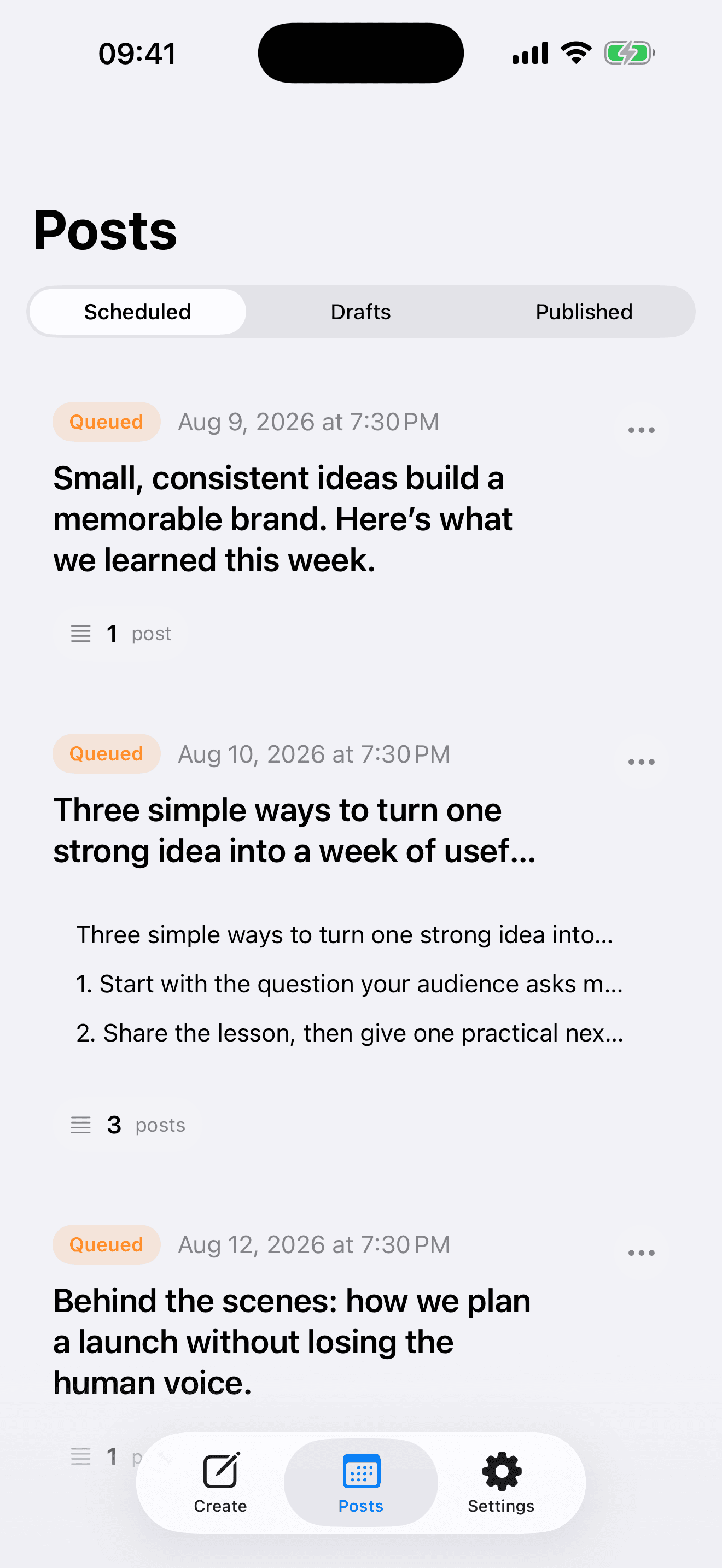
Choose three to five topics from real work, questions or observations. Draft each post separately in Tweetify, then schedule them across the week with enough space to reply to people between posts. Finish by reading the Scheduled queue from top to bottom and remove anything that repeats the same point.
01 / A 30-minute weekly routine
A 30-minute weekly routine
- 01
Collect evidence, not prompts
Write down one lesson, one useful example, one question you keep hearing and one opinion you can support. Notes from actual work produce stronger posts than a blank request for content ideas.
- 02
Give every post one purpose
Turn each idea into a single post or a thread only when the explanation needs several connected steps. Write a clear opening, one useful point and an ending that earns a reply.
- 03
Build and review the queue
Schedule one item at a time in Tweetify. Space the posts across the week, then scan the full queue for repeated openings, mismatched dates and days with too many posts.
02 / Keep the week human
Keep the week human
Leave room for live conversation
Do not fill every hour. A useful schedule creates consistency while preserving time for replies, timely observations and changes in context.
Mix depth and effort
Use a combination of concise posts, one deeper thread and occasional media. If every item has the same structure, the account will feel automated even when you wrote it yourself.
Review facts on publish day
Scheduled text can age. Before a time-sensitive item goes live, confirm the claim, link and wording still fit what has happened since you wrote it.
03 / Weekly planning questions
Weekly planning questions
How many X posts should I plan each week?
Plan only as many useful ideas as you can support. Three strong posts are better than seven repetitive ones; add frequency after the process feels sustainable.
Should I schedule every reply too?
No. Replies work best when they respond to the current conversation. Schedule your core posts and leave space to engage naturally.
Can I prepare a whole week on iPhone?
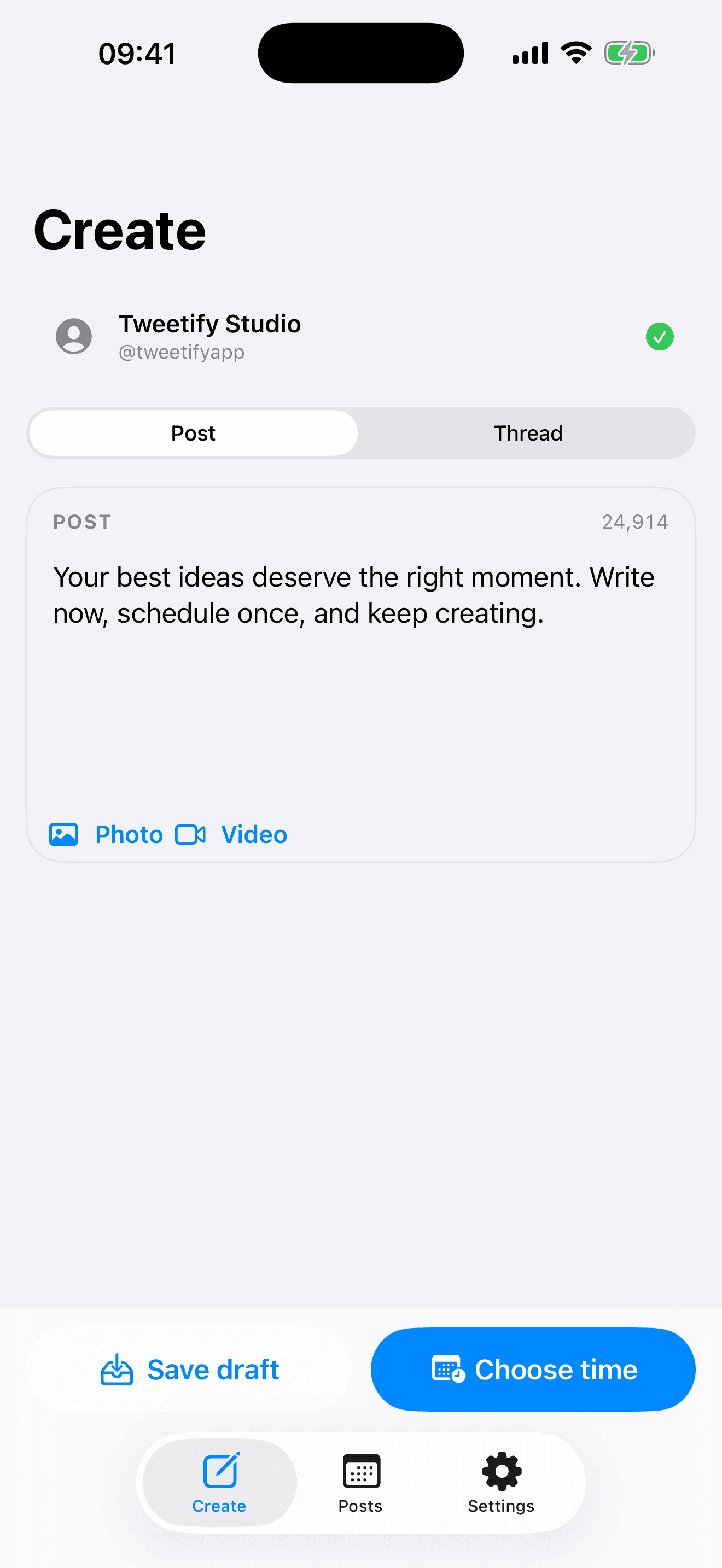
Yes. Create each post in Tweetify, assign its own time and review the complete Scheduled list before finishing.
How do I avoid sounding automated?
Use details that only you could know, vary the shape of posts, remove generic introductions and stay available for the discussion after publication.
04 / Sources
Sources
Tweetify for iPhone
A clear week starts with a small queue.
Turn useful notes into posts and give each one the right moment.
 App Store
Scan to download Tweetify
Tweetify for iPhone