
Tweetify / Draft recovery
Your X drafts disappeared. What can you actually do?
A draft can feel saved until the moment it is not where you expected. Before assuming it was deleted, check the account, device and composer where it was originally created.
The honest answer
There is no dependable way for a third-party app to recover a draft that has already vanished from X. First check the same X account and the same device, then open the composer and look for Drafts or Unsent posts. If it is still missing after an app reinstall, logout or device change, recovery may not be possible. The useful next step is to keep important writing in a more deliberate draft workflow.
01 / A five-minute recovery checklist
A five-minute recovery checklist
- 01
Confirm the X account
If you use more than one profile, switch through each one. Drafts belong to the account context in which they were written, and an empty Drafts button may simply mean you are viewing another profile.
- 02
Return to the original device
Open X on the iPhone or browser where you wrote the text. Do not assume a mobile draft will appear on every other device or web session. Open the composer; the Drafts control often appears only when saved content exists.
- 03
Check what recently changed
Think about logout, reinstalling X, clearing browser or app data, switching phones, or changing accounts. These actions help explain why a previously visible draft may no longer appear.
- 04
Search your other writing places
Check Notes, clipboard history, screenshots, messages to yourself and any document where you may have pasted the text. If the post contained a link, browser history can at least help rebuild the source material.
02 / How to avoid losing the next idea
How to avoid losing the next idea
Treat native drafts as temporary
They are convenient for a short pause, but important campaigns, launch posts and long threads deserve a separate copy and a clear next action.
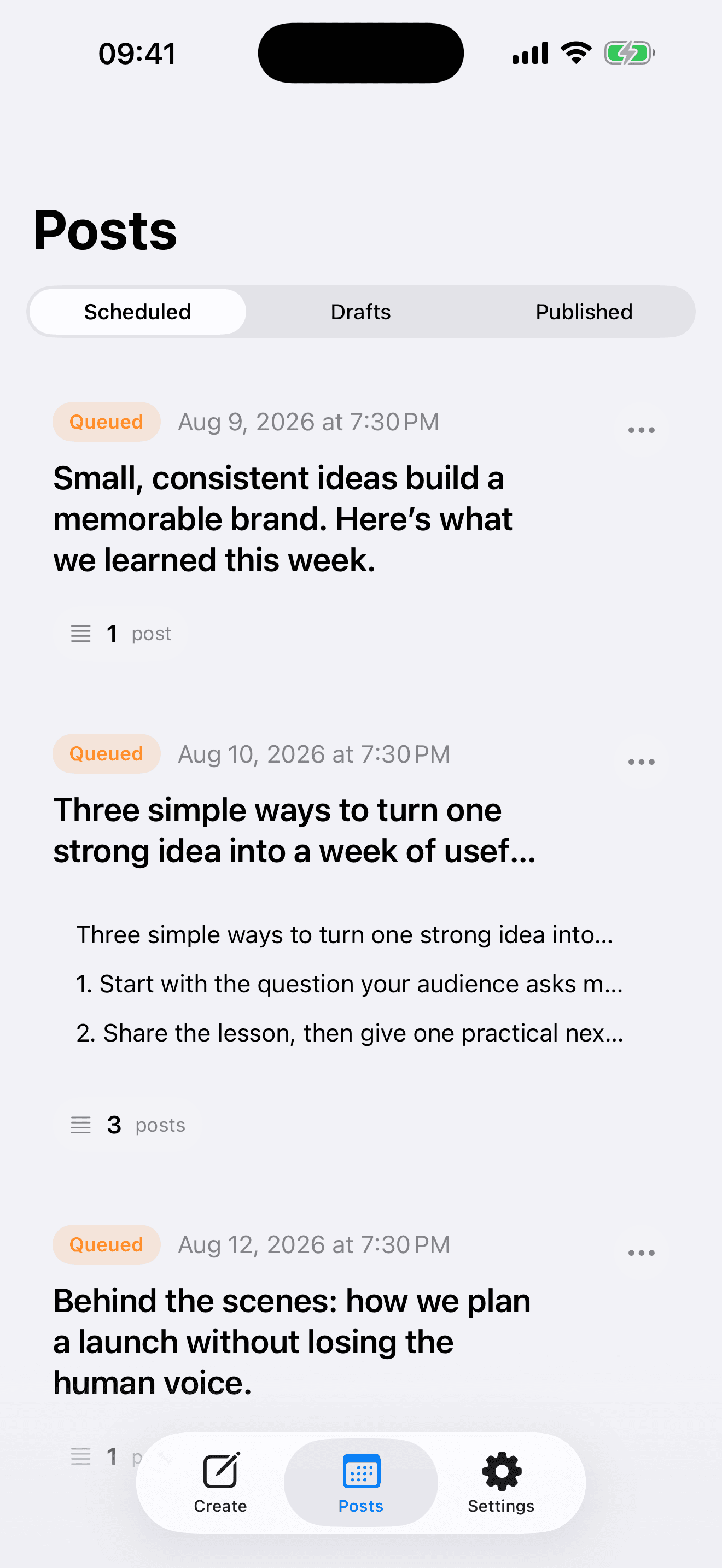
Move finished writing into a queue
A draft says “not ready.” A scheduled item says “ready, with a time.” Reviewing drafts weekly and moving completed work into a queue prevents valuable ideas from becoming an endless unsorted list.
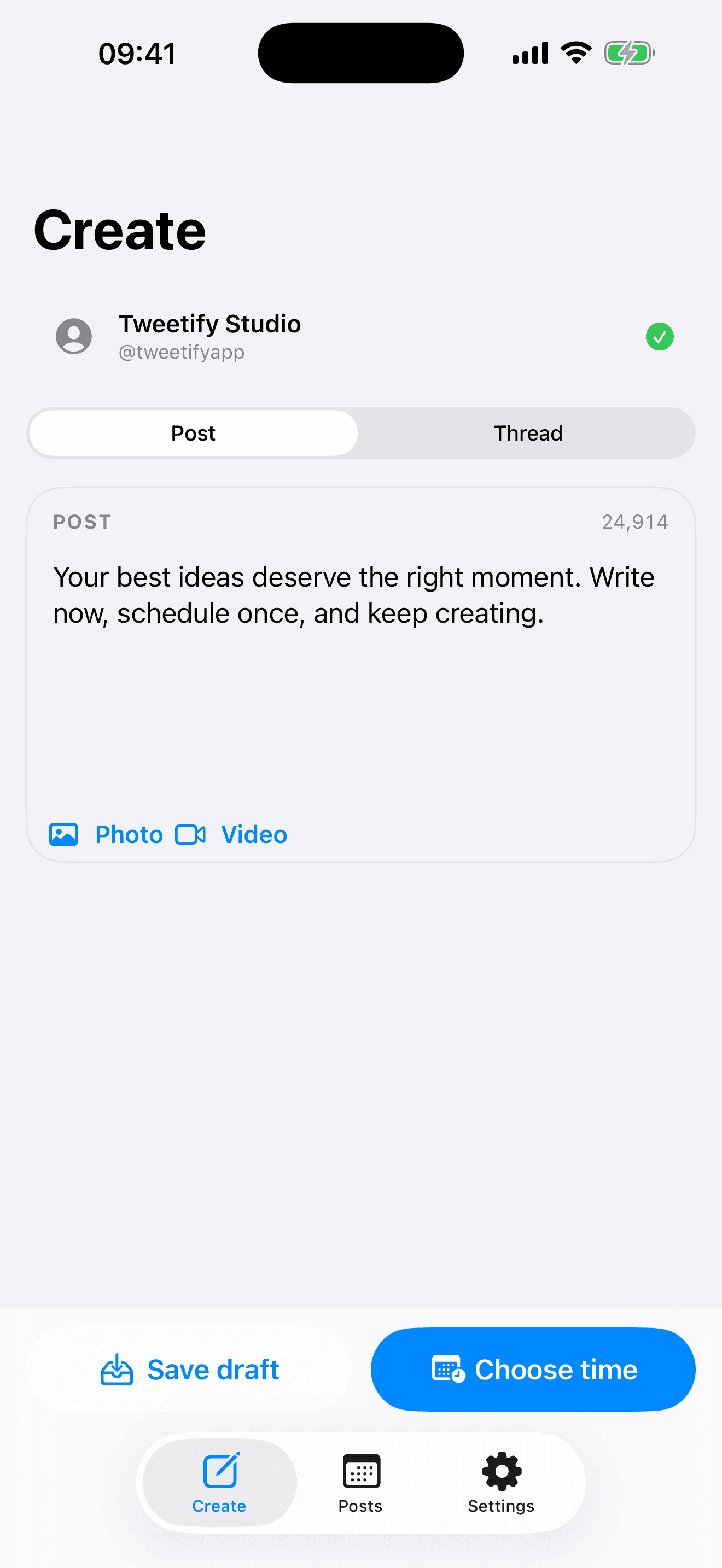
Draft in Tweetify before connecting X
Tweetify lets you explore the editor and save drafts before linking an X account. Connect only when you want to schedule or publish. This does not restore lost X drafts, but it creates a clearer workflow for future posts and complete threads.
03 / Questions about missing X drafts
Questions about missing X drafts
Where are drafts in the X iPhone app?
Open the post composer and look for Drafts. The option may only appear when that account has saved content.
Do X drafts always sync between devices?
Do not rely on it. Return to the same account, device and surface where the draft was created first.
Can Tweetify recover a deleted X draft?
No. Tweetify cannot read or restore drafts that have disappeared inside X. It can help you organize future writing.
Can I use Tweetify without connecting X?
Yes. You can write and save drafts first. Connect X when you are ready to schedule or publish.
04 / Sources
Sources
Tweetify for iPhone
Give the next draft somewhere deliberate to live.
Write first, organize the idea, and connect X only when it is ready.
 App Store
Scan to download Tweetify
Tweetify for iPhone